Figma Course at NTITS Institute: Learn UI/UX Design and Build a Creative Career
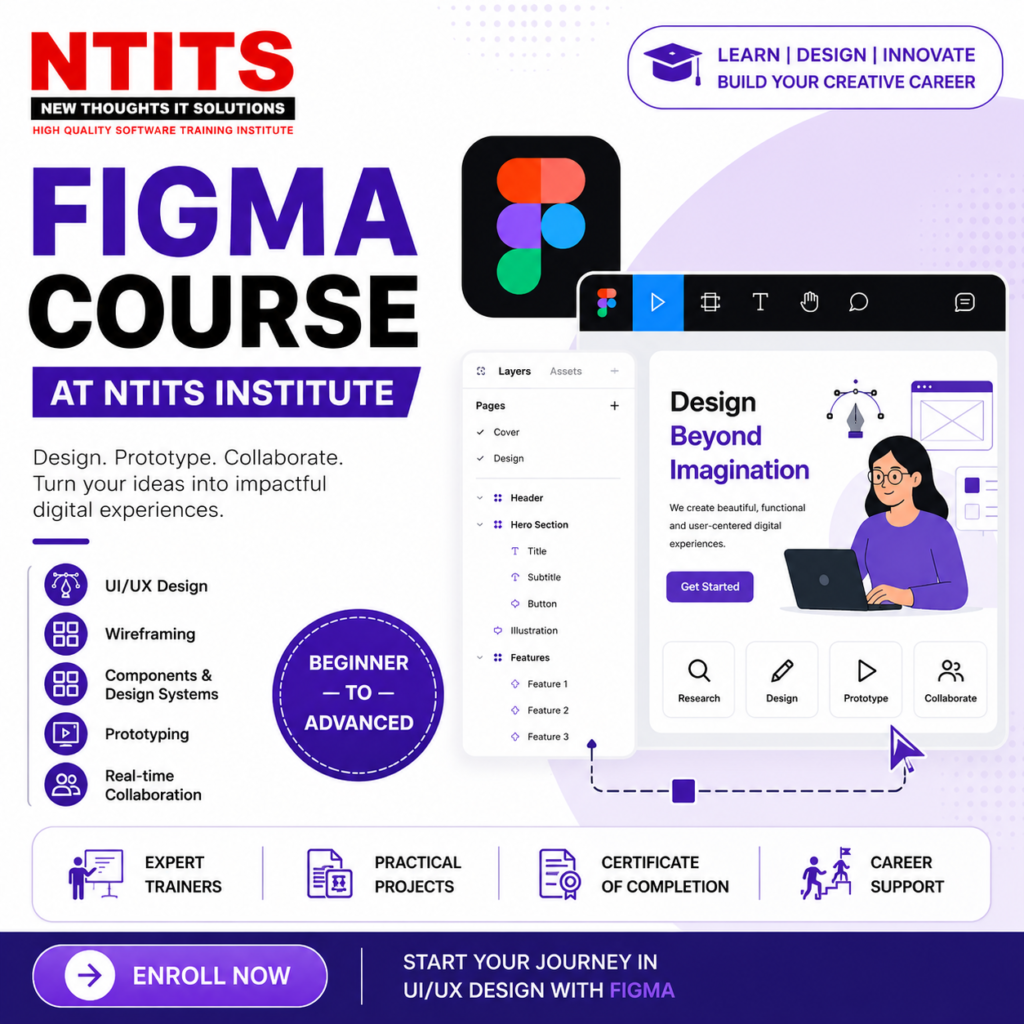
Introduction to Figma Course at NTITS Institute
In today’s digital-first world, businesses need attractive, user-friendly websites and applications to connect with their customers. This has increased the demand for skilled UI/UX designers who can transform ideas into engaging digital experiences.
Figma has become one of the most popular tools for modern UI/UX design because it enables designers to create wireframes, prototypes, interfaces, design systems, and collaborative projects efficiently.
If you are looking to develop practical design skills and start a career in UI/UX, the Figma Course at NTITS Institute can be a valuable learning opportunity. The course is designed to help learners understand Figma and develop the practical skills required to create professional digital designs.
What Is Figma?
Figma is a cloud-based design and prototyping tool widely used for creating user interfaces and digital experiences. Unlike traditional design software, Figma makes real-time collaboration easier, allowing designers, developers, and other team members to work together on the same project.
With Figma, learners can work on:
- Website and mobile app UI designs
- Wireframes
- Interactive prototypes
- Design systems
- Components and reusable elements
- User flows
- Landing pages
- Responsive interface designs
- UI design projects
Learning Figma can therefore be a strong starting point for anyone interested in building a career in UI/UX design.
Why Learn Figma?
Figma is increasingly used in modern design workflows because of its collaborative and flexible features. Learning the tool can help aspiring designers turn creative ideas into functional interface designs.
Some benefits of learning Figma include:
- Easy-to-use interface
- Real-time collaboration
- Cloud-based accessibility
- Interactive prototyping capabilities
- Component-based design
- Support for design systems
- Useful for both beginners and experienced designers
- Practical application in website and app design
More importantly, Figma skills can complement knowledge of UI/UX design principles, making learners better prepared for real-world design projects.
Figma Course at NTITS Institute
The Figma Course at NTITS Institute is aimed at learners who want to understand modern UI design workflows and gain practical experience using Figma.
The course can be useful for students, graduates, aspiring designers, working professionals, and individuals looking to develop a creative technology skill.
Course Details
The course focuses on developing practical knowledge of Figma and its applications in UI/UX design.
Learners can expect to explore areas such as:
- Introduction to Figma and its interface
- Creating frames and layouts
- Shapes, typography, colors, and design elements
- Auto Layout
- Components and variants
- Reusable design elements
- Wireframing
- UI design principles
- Responsive design concepts
- Prototyping
- Interactive elements and transitions
- Design systems
- Collaboration and sharing
- Creating website and mobile application interfaces
- Practical design projects
The exact course duration, batch schedule, fees, eligibility, certification, and curriculum should be confirmed directly with NTITS Institute, as these details may vary between batches.
Who Can Join a Figma Course?
A Figma course can be suitable for a wide range of learners, including:
- Students interested in design
- Graduates looking for career-oriented skills
- Aspiring UI/UX designers
- Graphic designers
- Web designers
- Front-end developers
- Digital marketing professionals
- Freelancers
- Entrepreneurs
- Working professionals looking to switch careers
You do not necessarily need an advanced technical background to begin learning Figma. A basic understanding of computers and an interest in design can be a good starting point.
What Will You Learn in a Figma Course?
A good Figma training program should go beyond simply teaching software features. Learners should understand how to apply the tool to actual design problems.
During the course, you can develop skills in:

UI Design
Learn how to create visually appealing interfaces using typography, colors, spacing, grids, buttons, cards, forms, and other interface elements.
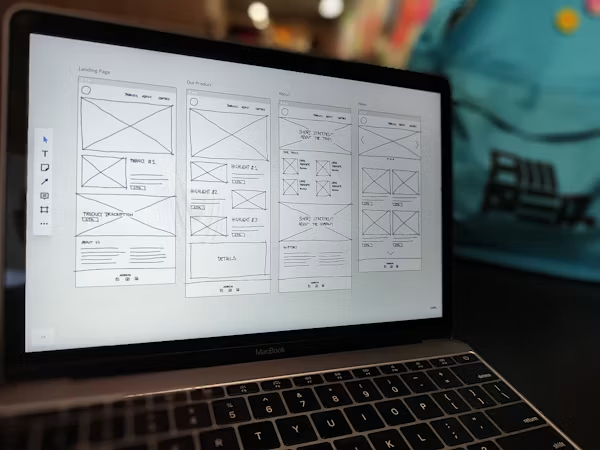
Wireframing
Understand how to create basic layouts that establish the structure and functionality of a website or application before moving into detailed visual design.
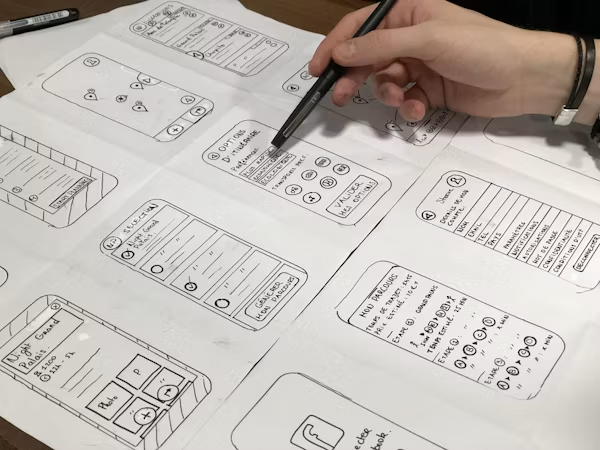
Prototyping
Create interactive prototypes that demonstrate how users can navigate through an application or website.

Components and Design Systems
Learn how reusable components can improve consistency and efficiency across digital products.
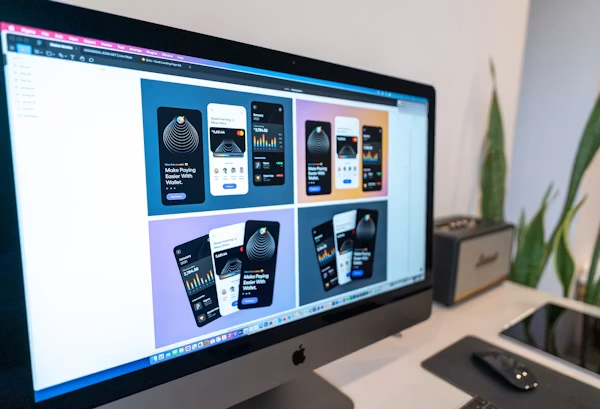
Responsive Design
Understand how interface layouts can be adapted for different screen sizes and devices.

Collaboration
Figma's collaborative workflow allows designers and other team members to review, comment, edit, and share designs more efficiently.

Career Opportunities After Learning Figma
Learning Figma can open the door to several career paths in the digital design industry. Depending on your additional skills, experience, portfolio, and specialization, you can explore roles such as:

UI Designer
UI designers focus on creating the visual appearance of websites, mobile applications, and digital products.

UX Designer
UX designers concentrate on user needs, navigation, usability, user flows, and the overall experience of interacting with a digital product.

Product Designer
Product designers work across different stages of digital product development, from understanding user requirements to designing interfaces and experiences.
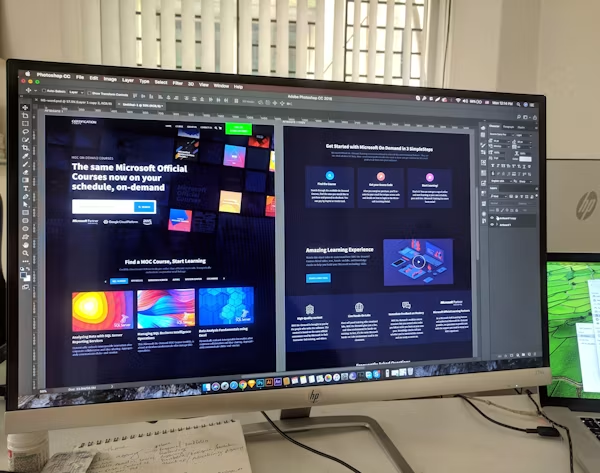
Web Designer
Figma can help web designers create website layouts, landing pages, and responsive interface designs before development begins.

Mobile App Designer
Designers can use Figma to create user interfaces and interactive prototypes for Android and iOS applications.

Freelance Designer
After developing sufficient skills and a strong portfolio, learners can explore freelance projects for businesses, startups, agencies, and individual clients.
Why Is a Figma Portfolio Important?
Completing a course is only one part of becoming a UI/UX designer. Employers and clients often want to see what you can actually create.
A strong portfolio can demonstrate your ability to:
- Understand a design problem
- Research user requirements
- Create wireframes
- Develop user flows
- Design polished interfaces
- Build prototypes
- Explain your design decisions
- Create consistent design systems
During or after your Figma Course at NTITS Institute, consider building multiple projects that demonstrate different design skills.
For example, your portfolio could include a mobile application redesign, e-commerce website, food delivery application, banking interface, educational platform, or business landing page.
How Figma Skills Can Support Your Career
The combination of Figma and UI/UX knowledge can help you build a foundation for a career in the growing digital product industry.
However, successful designers need more than software knowledge. Developing skills in user research, information architecture, usability, visual design, communication, problem-solving, and portfolio presentation can make your profile stronger.
The ideal learning path is therefore:
Learn Figma → Understand UI/UX → Work on Projects → Build a Portfolio → Gain Experience → Apply for Design Opportunities
Why Choose NTITS Institute for Figma Training?
When selecting a Figma training institute, learners should consider practical exposure, trainer expertise, curriculum relevance, project-based learning, and career guidance.
NTITS Institute can be considered by learners who want structured training in Figma and UI/UX design. Before enrolling, prospective students should review the latest course curriculum and confirm the current batch details, duration, fees, certification, project work, and placement or career-support services offered by the institute.
Conclusion
Figma has become an important tool in modern UI/UX design workflows, making it a valuable skill for aspiring digital designers. Whether you are a student, graduate, designer, developer, freelancer, or career switcher, learning Figma can help you take your first steps toward creating professional digital interfaces.
The Figma Course at NTITS Institute can provide a structured path to learning the tool and applying it to practical UI/UX projects. With consistent practice, a strong portfolio, and knowledge of fundamental design principles, learners can explore career opportunities in UI design, UX design, product design, web design, mobile app design, and freelancing.
If you are passionate about creativity, technology, and digital experiences, learning Figma could be the first step toward turning that interest into a professional skill.
Frequently Asked Questions About Figma Course at NTITS Institute
A Figma course teaches learners how to use Figma for UI design, wireframing, prototyping, components, design systems, and digital product design.
Yes. Figma is relatively beginner-friendly, and learners can start with basic interface design before progressing to advanced prototyping and design-system concepts.
Students, graduates, aspiring UI/UX designers, graphic designers, web designers, developers, freelancers, and working professionals interested in digital design can consider joining the course.
Coding knowledge is not generally required to learn the core features of Figma. However, understanding basic HTML, CSS, and front-end concepts can be useful for designers who want to collaborate effectively with developers.
You can create website interfaces, mobile app designs, wireframes, prototypes, landing pages, design systems, dashboards, and other digital product interfaces.
Depending on your overall skill set and experience, you can explore opportunities such as UI Designer, UX Designer, UI/UX Designer, Product Designer, Web Designer, Mobile App Designer, and Freelance Designer.
A certificate can demonstrate that you completed training, but employers generally also value practical skills, design thinking, problem-solving ability, and a strong portfolio. Building real projects is therefore essential.
The course duration may vary depending on the batch and training structure. Contact NTITS Institute for the latest information about course duration and schedules.
Practical projects are highly valuable when learning UI/UX design. Prospective students should confirm the current NTITS Institute curriculum to understand the projects and practical training included in the latest course.
Yes. Once you have developed strong UI/UX skills and a professional portfolio, you can explore freelance design opportunities and work with businesses, startups, agencies, and individual clients.