Adobe Illustrator Course: Learn Professional Graphic Design Skills with NTITS Institute
Adobe Illustrator Course: Learn Professional Graphic Design Skills with NTITS Institute
In today’s digital-first world, visual communication plays an important role in branding, advertising, social media, publishing, packaging, and digital marketing. For aspiring designers, learning a professional design tool such as Adobe Illustrator can be an important step toward building strong graphic design skills.
The Adobe Illustrator Course at NTITS Institute can be positioned as a practical learning program for students, beginners, aspiring graphic designers, freelancers, artists, and professionals who want to develop their skills in vector-based graphic design.
Whether you are completely new to Illustrator or want to improve your existing design skills, a structured Illustrator course can help you understand the software systematically while giving you opportunities to create practical design projects.
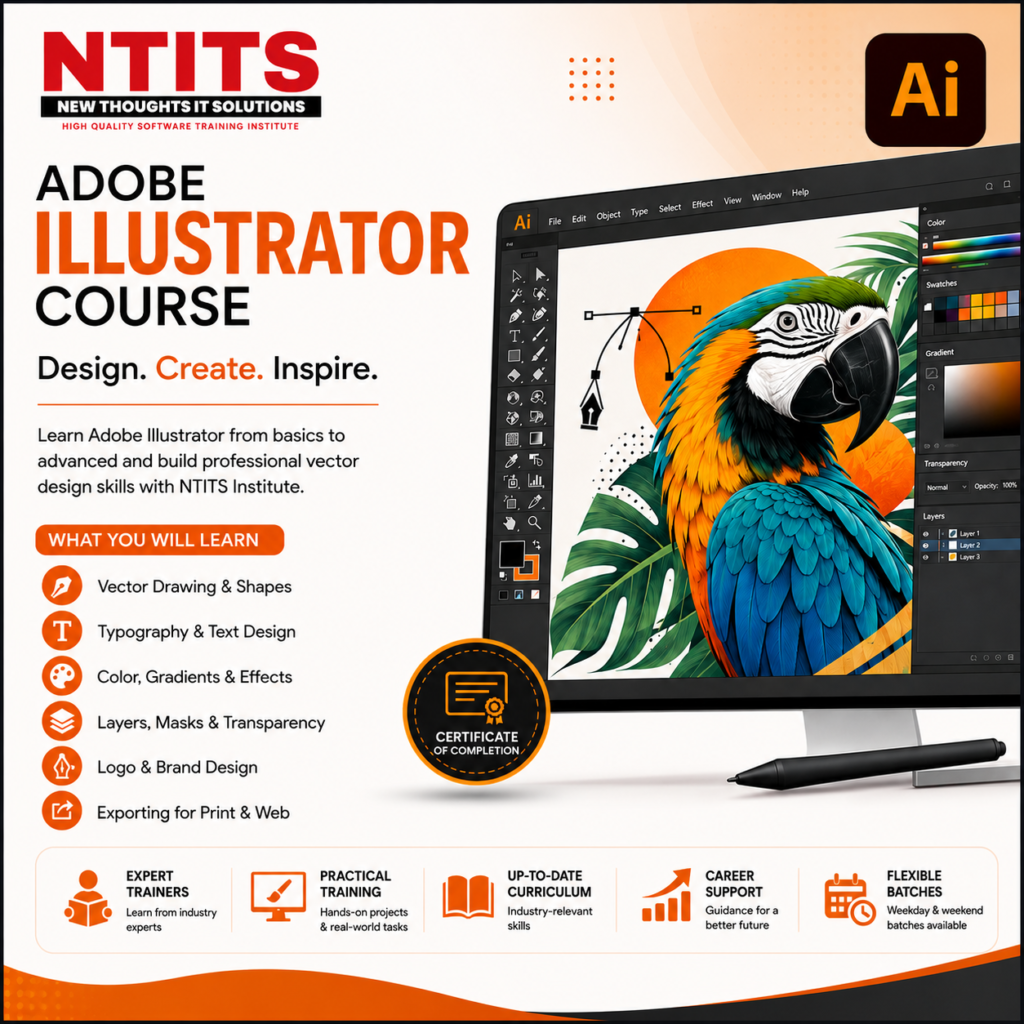
What Is Adobe Illustrator?
Adobe Illustrator is a professional vector graphics and illustration software used to create artwork that can be scaled without losing quality. It is widely used for creating logos, icons, illustrations, typography, branding materials, infographics, packaging artwork, and other digital and print graphics.
Learning Illustrator is therefore useful for anyone interested in graphic design, digital illustration, branding, advertising, visual communication, and creative careers.
Why Learn Adobe Illustrator?
Learning Adobe Illustrator can help you move beyond basic design tools and understand how professional vector artwork is created.
An effective Adobe Illustrator training course should help learners understand both the software and the design process.
Some important benefits of learning Illustrator include:
- Understanding professional vector design
- Creating scalable logos and icons
- Developing digital illustrations
- Working with typography and text
- Creating professional layouts and artwork
- Understanding colour and gradients
- Using layers, shapes, masks, and effects
- Preparing artwork for print and digital platforms
- Building a portfolio of design projects
- Developing skills relevant to graphic design and creative careers
NTITS Institute Illustrator Course: What Can You Learn?
The Illustrator course at NTITS Institute can be structured around progressive learning—from fundamental tools to practical design applications.
1. Introduction to Adobe Illustrator
2. Drawing and Shape Tools
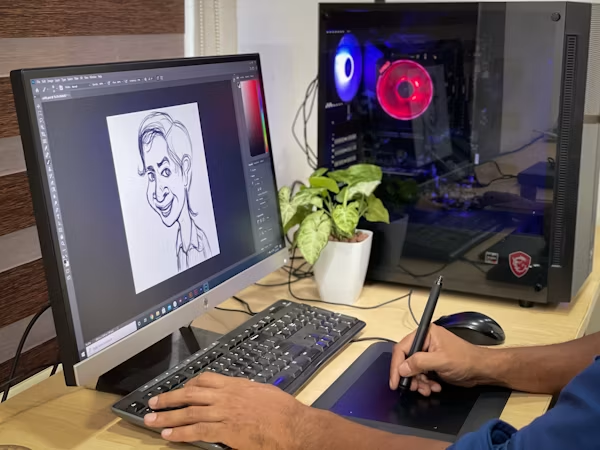
3. Pen Tool and Vector Drawing

4. Colour, Gradients and Transparency
5. Typography and Text Design

6. Layers, Masks and Symbols
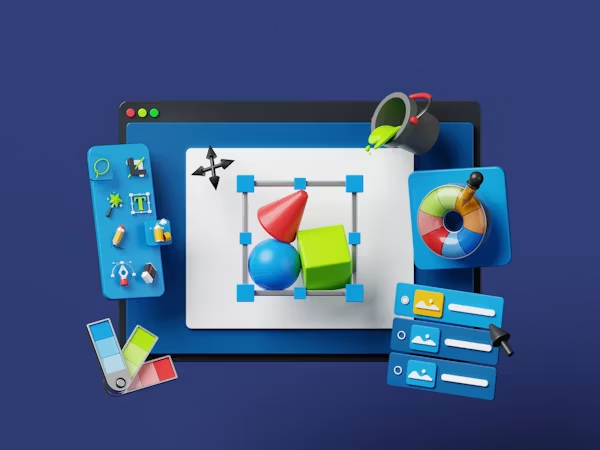
7. Brushes, Effects and Advanced Tools
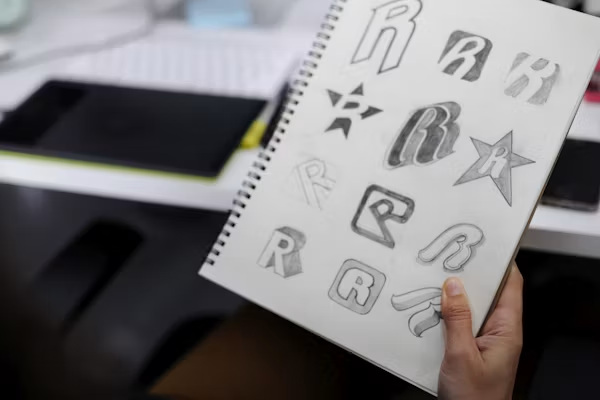
8. Logo and Branding Design

9. Digital Illustration

10. Print and Digital Design
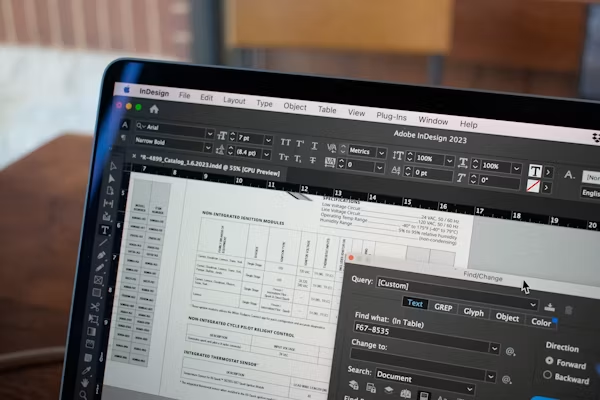
11. Exporting and Preparing Final Artwork
Practical Projects in the Illustrator Course
A strong Illustrator course in India should focus not only on tools but also on practical projects.
Possible projects for the NTITS Institute course can include:
- Logo design project
- Custom icon set
- Typography poster
- Social media creative
- Vector character illustration
- Product packaging artwork
- Brand identity mini-project
- Promotional poster
- Infographic
- Final portfolio project
Project-based learning allows students to apply individual tools together instead of learning software features in isolation.
Who Should Join an Illustrator Course?
An Adobe Illustrator course can be suitable for:
- Students interested in graphic design
- Beginners starting a creative career
- Aspiring graphic designers
- Digital artists
- Illustrators
- Freelancers
- Social media designers
- Marketing professionals
- Entrepreneurs who want to create their own visual assets
- Professionals looking to upgrade their design skills
You do not necessarily need to be an expert artist to begin learning Illustrator. What matters most is an interest in design and consistent practice.
Career Opportunities After Learning Illustrator
Illustrator is a valuable skill within several creative fields. Depending on their complete skill set, experience, portfolio, and qualifications, learners may explore roles such as:

Graphic Designer

Illustrator

Brand Designer

Logo Designer

Visual Designer

Digital Illustrator

Social Media Designer

Packaging Designer

Freelance Designer

Junior Creative Designer
However, learning Illustrator alone does not guarantee a job. Students should combine software knowledge with graphic design principles, creativity, typography, color theory, communication skills, and a strong portfolio.
Why Choose NTITS Institute for Illustrator Training?
When selecting an Illustrator training institute, students should look beyond simply learning software tools.
A good learning experience should ideally include:
Structured learning
Practical assignments
Trainer guidance
Real-world design exercises
Portfolio development
Feedback on projects
Progressive learning from basic to advanced concepts
Exposure to professional design workflows
NTITS Institute can position its Illustrator course around these outcomes, provided these features are part of the institute’s actual course offering.
Build Your Creative Skills with Adobe Illustrator
Adobe Illustrator can be more than just another software skill. With consistent practice, it can become part of a broader graphic design skill set.
From creating a simple shape to developing a complete brand identity, learners can gradually build their confidence through practical projects.
If you are looking to learn Adobe Illustrator, improve your graphic design abilities, or begin developing a creative portfolio, the Illustrator Course at NTITS Institute can be presented as a structured starting point for your learning journey.
Frequently Asked Questions About the Illustrator Course
An Adobe Illustrator course teaches students how to use Illustrator for creating vector graphics, illustrations, logos, icons, typography, branding materials, and other digital and print designs.
Yes. An Illustrator course for beginners can start with basic tools and gradually progress toward more advanced techniques and practical projects.
Depending on the syllabus, students can learn vector drawing, shape creation, Pen Tool techniques, typography, color, gradients, layers, masks, brushes, effects, illustration, logo design, branding, and artwork export.
Illustrator can take time to master because it contains many professional tools and workflows. However, beginners can learn it progressively through structured lessons and regular practice.
Yes. Illustrator is particularly useful for creating scalable logos, icons, brand marks, and other vector-based branding assets.
Yes. Adobe Illustrator can be used to create many types of vector illustrations, including characters, icons, editorial artwork, decorative graphics, and digital compositions.
The course can be suitable for students, beginners, aspiring graphic designers, digital artists, illustrators, freelancers, and professionals who want to develop Illustrator and graphic design skills.
Depending on your overall skills and portfolio, you can explore opportunities such as graphic designer, illustrator, visual designer, brand designer, logo designer, digital illustrator, social media designer, packaging designer, and freelance designer.
Illustrator is an important design tool, but becoming a graphic designer requires more than software knowledge. You should also develop skills in design principles, typography, color theory, composition, visual communication, and portfolio development.
A structured Illustrator training course can provide a planned curriculum, instructor guidance, practical assignments, feedback, and a progression from fundamental to advanced concepts.
Yes. Illustrator skills can be useful for freelance services such as logo design, vector illustration, branding assets, icons, posters, social media graphics, and other design projects. Building a strong portfolio is important before pursuing freelance opportunities.
Create multiple original projects that demonstrate different skills. Your portfolio can include logo design, typography, illustration, branding, posters, icons, packaging, and other relevant projects. Focus on showing your design process as well as the final artwork.